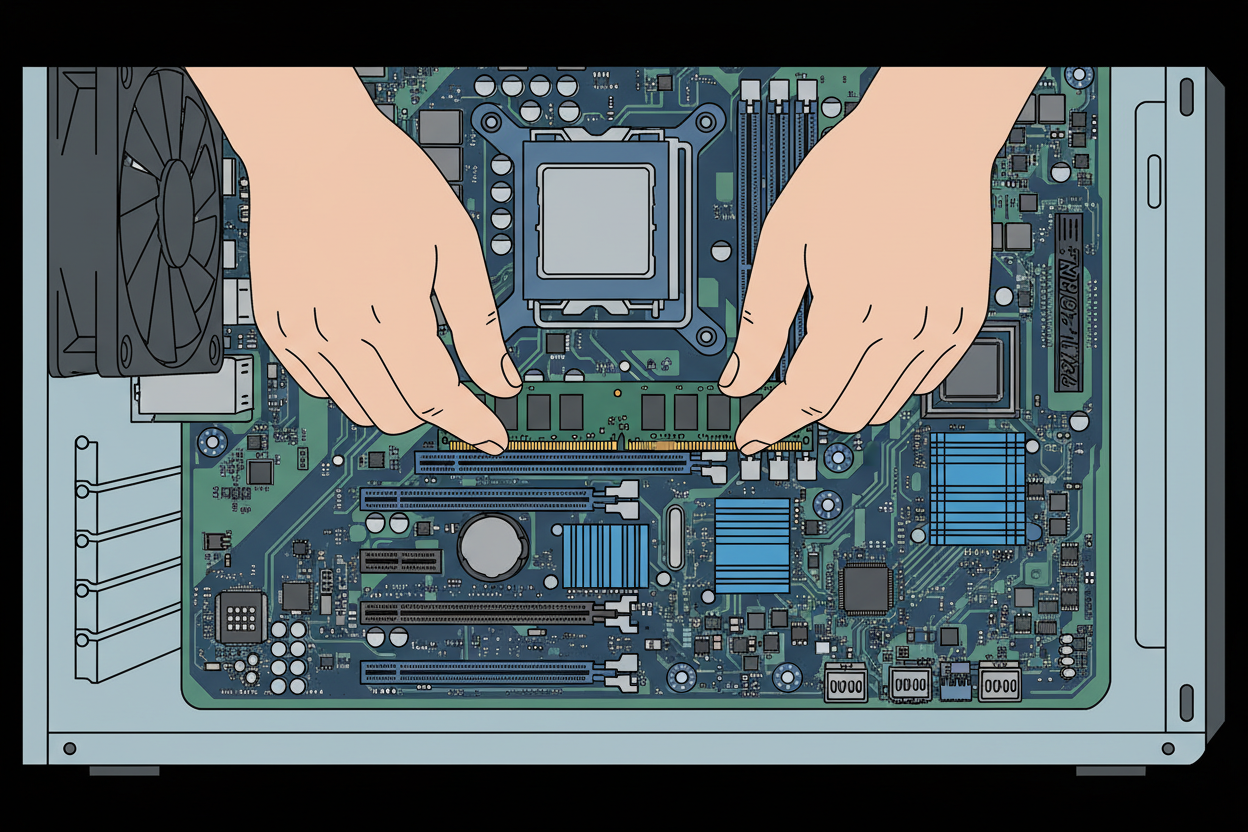
How to Reseat a RAM Stick. Please watch the following video
1 To remove the RAM:
2 First, make sure the computer is completely powered off and unplugged.
3 Before touching anything inside, ground yourself by touching a metal part of the case to avoid static damage.
4 Now, locate the RAM sticks on the motherboard. They are long, thin modules seated in slots, usually near the CPU.
5 Look at the ends of the RAM slot. Most motherboards have small retaining clips that hold the RAM in place. On many boards, there are clips on both ends of the slot. However, some motherboards only have a single clip, typically at the top end, while the other side is fixed.
On this particular board, there are clips on both ends.
6 Gently push the clips outward, away from the RAM stick. As you do this, the RAM module should slightly pop up.
7 Once the clips are fully released, carefully lift the RAM stick straight out.
1 To reinsert the RAM:
2 Take the RAM stick and line it up with the slot. Notice the notch in the gold contacts, this ensures it only fits one way. Make sure the notch matches the key in the slot.
3 Place the RAM into the slot and press down firmly and evenly on both ends. You should feel it click into place as the clips snap back up and secure it.
If your board has only one clip, press down until that clip locks, and ensure the other side is fully seated.
4 Finally, double-check that the RAM is flat and fully inserted, with both clips (or the single clip) securely in place.
5 Once everything is seated correctly, you can close the case, reconnect power, and turn the system back on.